
Creating a relaxing home workspace is essential for maintaining productivity and comfort while working remotely or handling tasks from home. A well-designed area not only boosts your efficiency but also reduces stress and keeps your motivation high throughout the day. Here are practical tips to help you set up a workspace that feels both inviting and functional.
Choose the Right Location
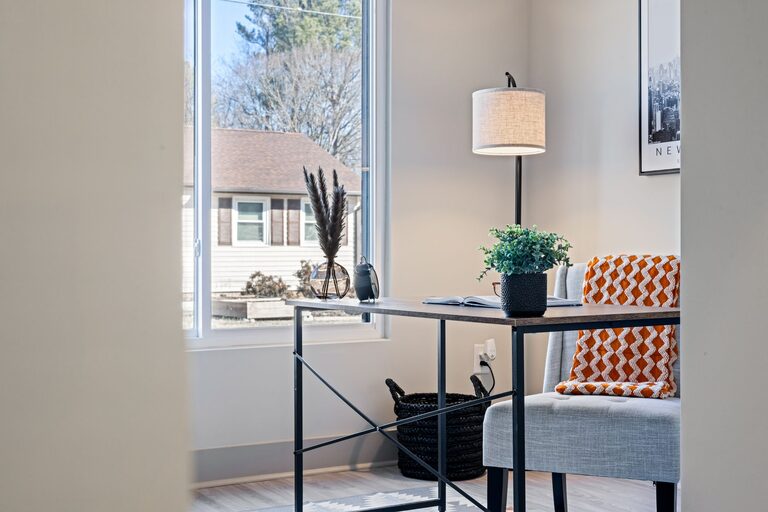
Picking the perfect spot in your home for your workspace is the first step. Ideally, select a quiet area with minimal distractions. If possible, avoid spaces that are heavily trafficked or noisy. Natural light is a bonus, so consider positioning your desk near a window. A space with fresh air and good ventilation will keep you comfortable and alert.
Invest in Ergonomic Furniture
Comfort plays a significant role in productivity. Invest in a quality ergonomic chair that supports your posture to avoid back pain. Choose a desk at the correct height or an adjustable one to accommodate your sitting or standing preferences. Your monitor should be at eye level to prevent neck strain, and your keyboard and mouse should be positioned for relaxed typing.
Control Lighting
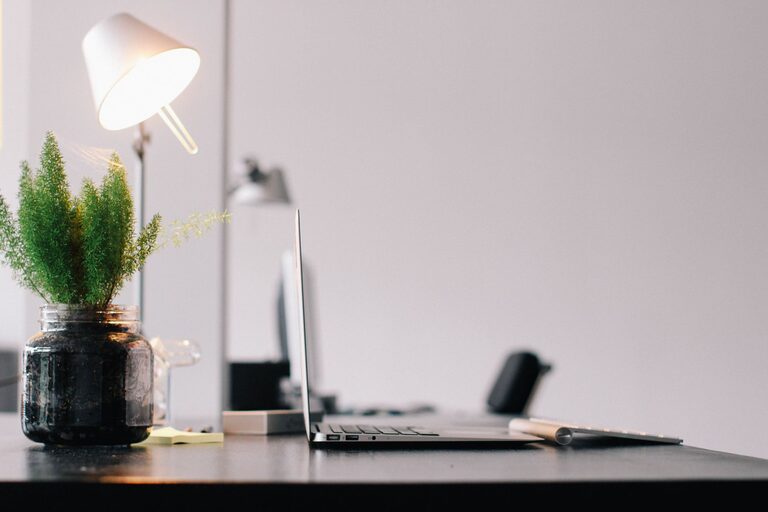
Lighting impacts your mood and focus. Use a mix of natural and artificial lighting to illuminate your workspace without causing glare. Soft, warm lights create a relaxing atmosphere, while bright white lights can help you stay alert. Consider using a desk lamp with adjustable brightness to fine-tune lighting throughout the day.
Declutter and Organize
A tidy workspace promotes mental clarity and efficiency. Use storage solutions like shelves, bins, or organizers to keep papers, tools, and supplies out of sight but within reach. Regularly declutter your desk to maintain a clean and inviting environment. Label containers to find items quickly and reduce time wasted searching.
Incorporate Calming Elements
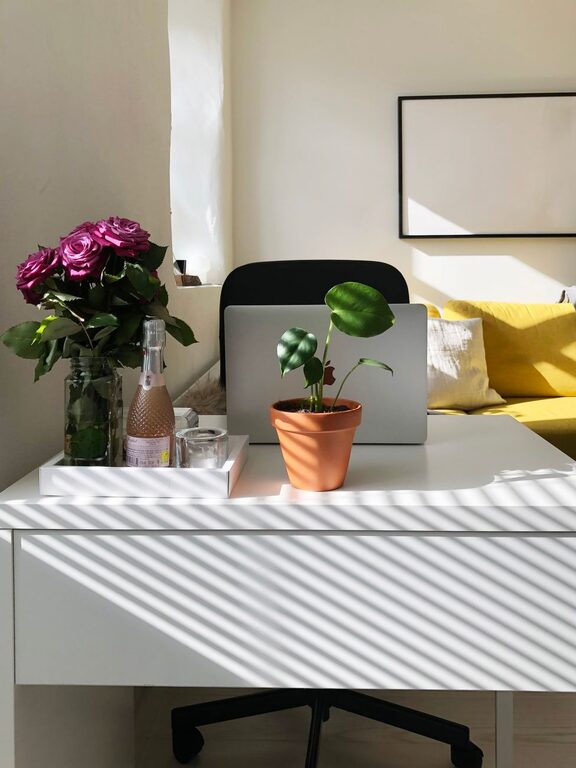
Add touches that make your workspace feel peaceful and personalized. Plants are a great choice—they improve air quality and add a natural feel. Incorporate soothing colors like blues or greens through decor or wall art. Consider a small, gentle water fountain or calming scents like lavender using essential oil diffusers to promote relaxation.
Manage Technology Mindfully
Technology is crucial for work but can also be a source of distractions. Organize cables with clips or sleeves to keep them neat. Use headphones to block out noise or listen to calming background music if it helps concentration. Limit notifications and close apps not in use to stay focused.
Set Boundaries and Routine
Establish clear boundaries between work and personal life, especially when working from home. Designate your workspace as a place for work only to mentally separate tasks. Create a daily routine, including breaks and time to stretch or move away from your desk, which helps maintain energy and prevents burnout.
Personalize Your Space
Your workspace should reflect your personality and preferences. Add items that inspire you such as photos, motivational quotes, or artwork. A comfortable cushion or a cozy throw blanket can also make the area more inviting. When you enjoy being in your workspace, it positively affects your productivity.
Keep Supplies Handy
Keep essential supplies close by to avoid unnecessary interruptions. This includes notebooks, pens, chargers, and any tools you frequently use. Having everything within reach keeps your workflow smooth and saves time.
Regularly Reassess and Adjust
Your workspace needs may change over time. Periodically evaluate if your setup still supports your comfort and productivity. Make adjustments as needed, whether it is rearranging furniture, updating your chair, or adding new organizational tools.
—
By following these tips, you can create a relaxing home workspace that supports your well-being and helps you stay productive. A comfortable environment tailored to your needs not only improves work output but also makes your daily routine more enjoyable. Start small and gradually refine your space until it feels just right.