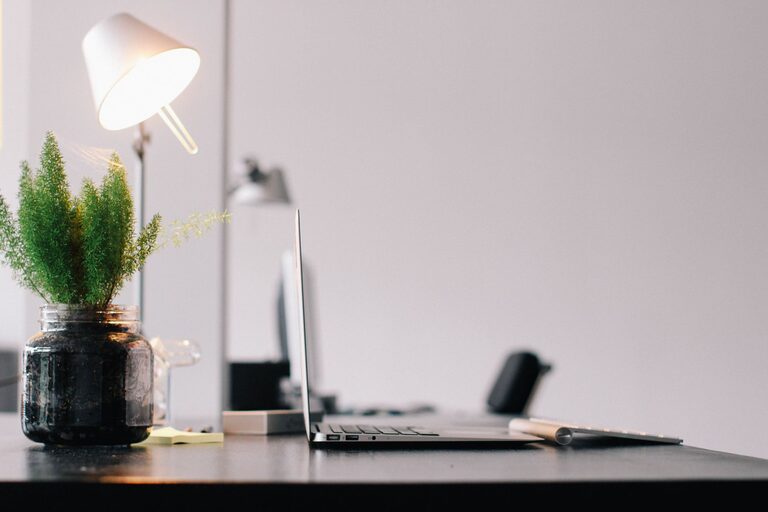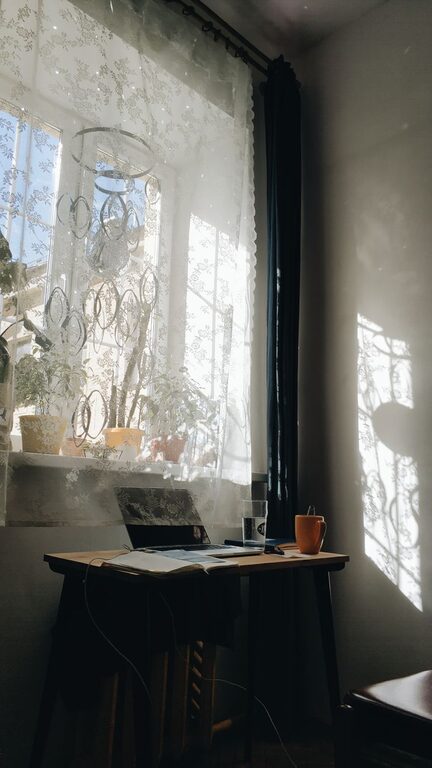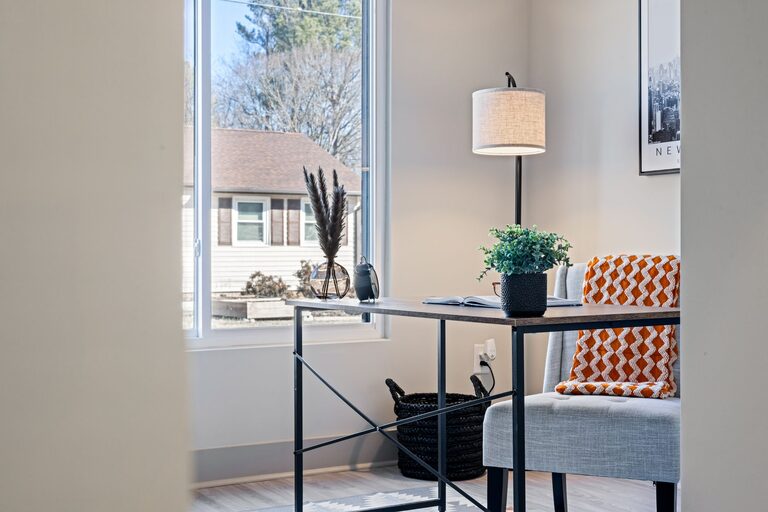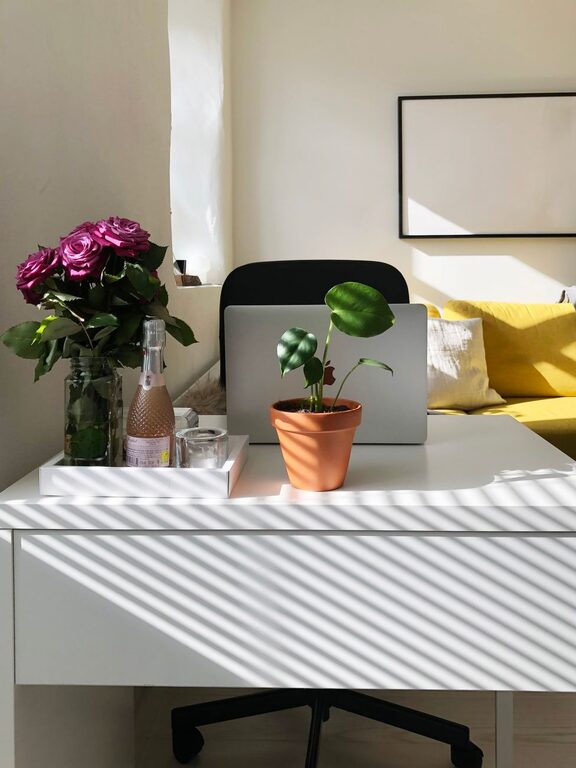
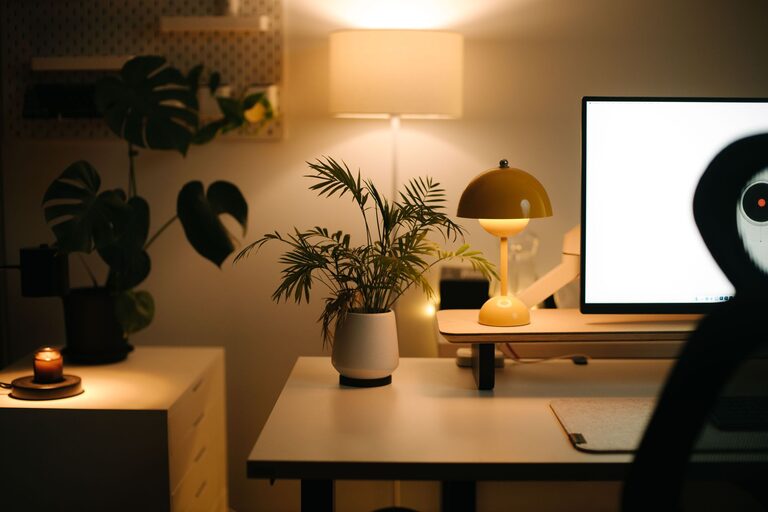
Creating a home office that feels cozy while also helping you stay productive can make a huge difference in your work-from-home routine. Whether you have a dedicated room or just a small corner, designing your workspace thoughtfully can boost your focus and reduce stress. Here are some friendly and practical tips to help you build a home office that supports both comfort and efficiency.
Choose the Right Spot
Finding the perfect location for your home office is the first step. Here’s what to consider:
– Natural Light: Set up your desk near a window if possible. Natural light improves mood and focus.
– Quiet Environment: Select a space away from high-traffic areas to minimize distractions.
– Adequate Space: Make sure there’s enough room for your computer, supplies, and a few personal touches.
Even a small nook can work if it’s well organized and feels inviting.
Invest in Comfortable Furniture
Comfort is key for productivity, especially if you spend many hours at your desk.
– Ergonomic Chair: Choose a chair that supports good posture and provides cushioning.
– Proper Desk Height: Your desk should allow your elbows to be at a 90-degree angle when typing.
– Adjustable Options: Standing desks or adjustable chairs can help reduce fatigue.
Comfortable furniture helps prevent aches and keeps you energized throughout the day.
Organize with Purpose
Clutter can cause stress and slow you down. Stay organized by following these tips:
– Use Storage Solutions: Shelves, filing cabinets, and organizers can keep papers and supplies tidy.
– Declutter Regularly: Take time weekly to clear unnecessary items.
– Keep Essentials Handy: Place items you use daily within easy reach to avoid frustration.
A neat environment encourages clear thinking and saves time searching for items.
Personalize Your Space
Making your home office feel welcoming can increase motivation.
– Add Plants: Indoor plants improve air quality and add a fresh touch.
– Include Artwork or Photos: Personal items can inspire creativity and make the space yours.
– Choose Calming Colors: Soft blues, greens, or neutrals create a relaxing atmosphere.
Personal touches make working from home feel less like a chore and more enjoyable.
Optimize Lighting
Good lighting reduces eye strain and keeps you alert.
– Combine Natural and Artificial Light: Use desk lamps with adjustable brightness alongside windows.
– Avoid Glare: Position screens and lights to prevent reflections.
– Consider Warm Light: Warm-toned bulbs can make your office feel cozy in the evening.
Proper lighting supports long hours of work without discomfort.
Manage Technology Wisely
Technology is essential but can be overwhelming without proper setup.
– Organize Cables: Use clips or sleeves to keep cords tidy.
– Reliable Equipment: Invest in a good quality keyboard, mouse, and headset.
– Backup Plan: Set up cloud storage or an external drive to protect your work.
A smooth tech setup reduces interruptions and frustration.
Establish Boundaries and Routine
Finally, remember that a cozy and productive space also relates to how you use it.
– Set Work Hours: Have clear start and end times to separate work from personal life.
– Take Breaks: Use a timer to remind yourself to stand, stretch, or take a walk.
– Limit Distractions: Use noise-canceling headphones or apps to stay focused.
A consistent routine combined with a well-designed workspace helps maintain balance.
—
By applying these tips, you can create a home office that’s comfortable, organized, and designed to keep you productive. Remember, everyone’s ideal workspace looks a little different, so experiment and adjust until your home office feels just right for you. Happy working!